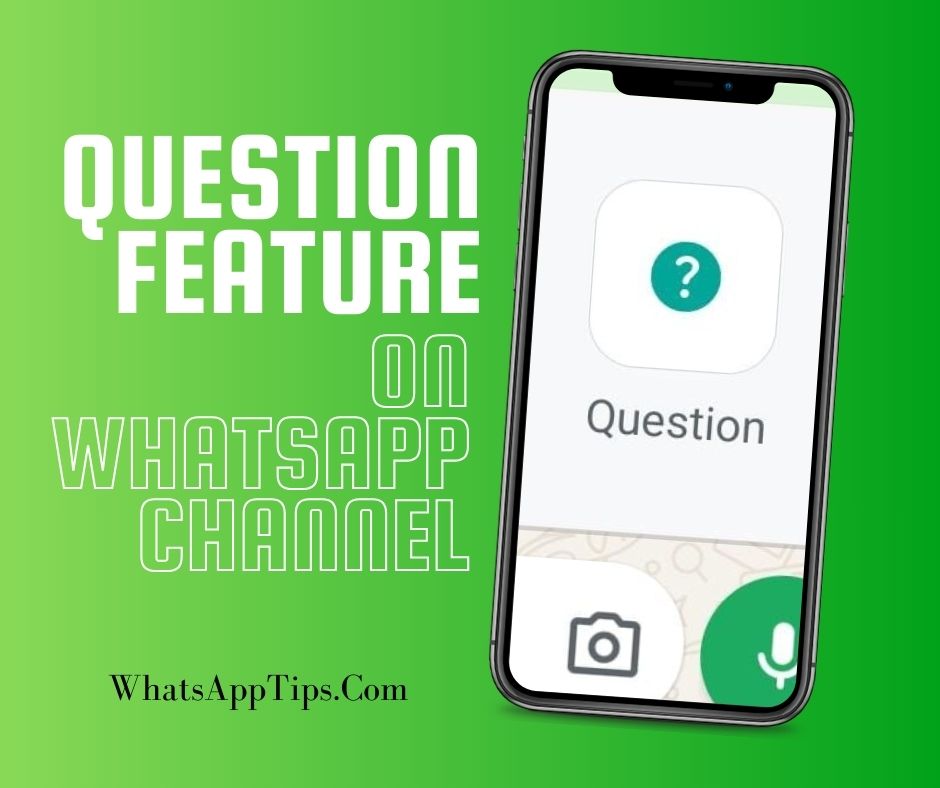
WhatsApp now allows channel admins to get meaningful engagement with their audience through questions and answers. This feature gives you something more to do with your WhatsApp channel.
How WhatsApp Channel Question Feature Works
Since inception of WhatsApp channels, there have been few ways to receive reasonable feedback from channels followers. Followers are only able to react to a post using emojis, or respond to a survey that has prefilled answers. The Question feature, rolled out in December 2025, adds a better method of feedback.
WhatsApp channel admins can ask a question, and the followers can respond to the question by writing down an answer. This answer is relayed to the admin without directly being posted to the channel, thus protecting the privacy of the respondent. Both followers and viewers can respond. If an admin replies to a post, the response will become visible on the channel, but still maintaining the privacy of the one who posted.
Overall, the question feature on WhatsApp channel adds to the value of WhatsApp channels by making them more interactive, while maintaining the privacy and keeping the personal nature of WhatsApp communication.
How to use WhatsApp Channel Question Feature
As an admin, you can use the question feature in a similar way you post an update on the WhatsApp channel.
-
At the place where you write your updates, click on the attach button

-
Select the Question option

-
Write you question

-
Click the send/post button.

-
Once the question is posted, the admin can view responses by clicking on ‘View responses’ button.

-
The ‘View responses’ button also indicates the number of responses that have been submitted.

-
Meanwhile, followers and viewers will see the message with a prompt to respond

-
When you click to view responses, you get the option to sort between all responses, responses from your contacts, and the messages that you have already responded to.

-
Once the admin responds, both the original response by the follower/viewer and the response from admin are posted on the group.

Enjoy using the question feature on WhatsApp channel
Leave a Reply